
Last updated November 18, 2026
 Wrought iron
 Wood & steel frame
 Farm & ranch
 Sliding driveway gates
 LiftMaster operators
Free on-site gate assessment - hinges, posts, and your LiftMaster or Nice gate operator checked before anything is quoted
The assessment is free and the quote is the invoice.
Get your free estimateGate Access Control Warning Signs Every Homeowner Should Know
A gate that opens every time is not necessarily a gate that’s working correctly. We’ve tested control boards on Whitney properties that still moved the gate on command while the backup battery sat at 11.1V instead of a healthy 12.4V – failing quietly, one cycle at a time, until the morning it doesn’t. That’s the split most homeowners never hear about. Warning signs come in two kinds: the loud ones your gate announces (won’t open, error light flashing) and the quiet ones that only live in a log or a multimeter reading. This guide covers both. You’ll learn which behaviors point to a failing control board, what your battery voltage should actually read, why a gate that opens with no car in the driveway is a symptom worth chasing, and how a five-minute owner log can save you diagnostic time when a technician arrives in Whitney.
Quick Answer
The most important gate access control warning signs are hesitation on the open command, inconsistent response to the same remote or keypad code, the gate reversing mid-travel with nothing in its path, battery backup voltage dropping below roughly 12V, loop-detector false triggers, and intermittent wifi dropouts on a smart board. Loud failures stop the gate. Quiet ones – voltage sag, travel-time creep, phantom opens – keep it moving while the electronics degrade underneath.
Styles & brands we work with
- Wrought iron
- Wood & steel frame
- Farm & ranch
- Sliding driveway gates
- LiftMaster operators
Table of Contents
- Loud Signs vs. Quiet Signs: Why the Split Matters
- Behavioral Signs You Can See Without a Meter
- The Voltage-Drop Warning and How to Read It
- Loop-Detector False Triggers: The Glitch Worth Chasing
- What Wifi Dropouts Actually Tell You About Power
- Travel-Time Creep: The Two-Second Pattern
- How to Build an Owner Log That Saves Diagnostic Time
- When to Stop Watching and Start Calling
 Before
 After
Loud Signs vs. Quiet Signs: Why the Split Matters
Think of your gate’s access control system as having a public face and a private one. The public face is what you experience from the driver’s seat: does it open, does it close, does the remote work this time. The private face is the record – voltage at the battery, current draw at the operator, seconds per cycle, entries logged at the keypad or board. Loud signs live in the public face. Quiet signs live in the record.
When we service a gate in Whitney and the homeowner says “it’s been fine except last Tuesday,” that’s a loud-sign report. It describes the one moment the system crossed into the public face and became visible. The useful data – how long the problem had been developing – was never captured. A control board doesn’t usually fail in a single event. It drifts. It runs warmer, then a little warmer, and the battery acceptance voltage sags with it.
Here’s the practical difference:
- Loud signs interrupt your day. You notice them within one cycle. They force a call.
- Quiet signs don’t interrupt anything. The gate still moves. The failure is in the margins – a couple hundred millivolts, two seconds, one dropped remote click in twenty.
Homeowners who only watch for the loud ones pay for preventable failures. In our experience, roughly the same as paying for a tow when the fuel gauge has been sitting on E for a week. If you want the deep background on how the mechanical side interacts with the electronics, our page on Gate Motor & Opener in Whitney covers operator behavior in more detail.
Behavioral Signs You Can See Without a Meter
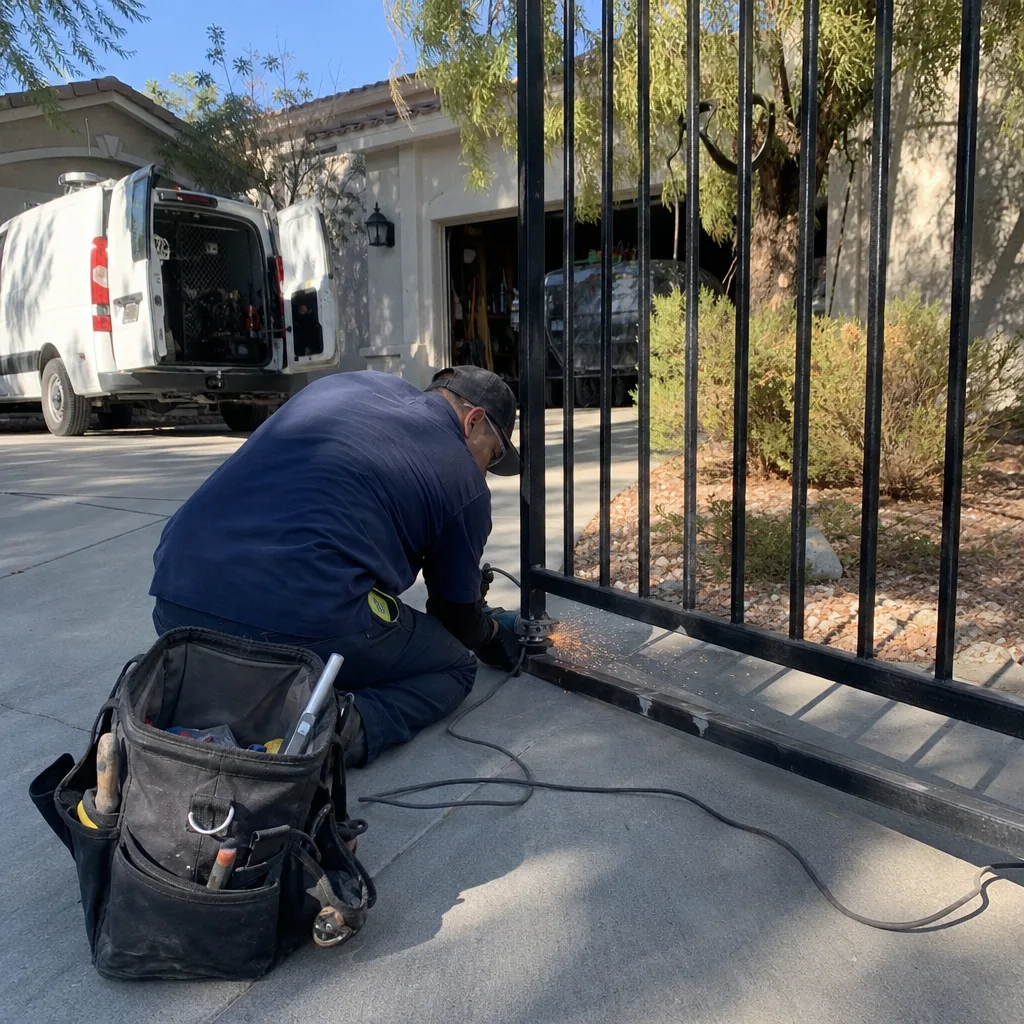
You don’t need tools to catch most early warning signs. You need to watch the same gate the same way twice and notice when the two cycles don’t match. The key word is inconsistent. A gate that hesitates every single time is a different problem than a gate that hesitates once a week. Both are worth logging.
Watch for these four behaviors over a two-week window:
- Hesitation on the open command. You press the remote and count a beat before the motor engages. If that beat is growing – half a second one week, a full second the next – the control board is likely working through a startup check that’s taking longer than it should. A healthy board engages within a fraction of a second.
- Inconsistent response to the same credential. Your keypad code works Monday and fails Wednesday. Or the same remote opens from the driveway but not from twenty feet back. When the credential hasn’t changed, the receiver or the power feeding it has.
- Reversing mid-travel with nothing in its path. The gate stops, hesitates, and reverses direction about two-thirds of the way open. That’s a photo-eye (the infrared beam that stops the gate if something crosses the path) reading a false obstruction, or a limit switch set past its safe travel point. We see this a lot on BFT and Linear arms where the mounting bracket has loosened a few degrees over a hot summer.
- Slower or faster travel than it used to be. If you can no longer count the seconds the same way, the operator’s speed setting or the battery’s ability to deliver current has shifted.
Any one of these alone is a data point. Two or more showing up in the same week is a pattern, and a pattern is what a technician can actually diagnose on the first visit. If you’re in Whitney and the gate is a Ghost Controls or Viking model, the receiver behavior in particular is worth noting – those boards are sensitive to supply voltage and will show credential inconsistency before they show anything on a screen.
The Voltage-Drop Warning and How to Read It
This is the sign that almost no homeowner checks, and it’s the one that predicts most dead-gate mornings. Your gate operator’s backup battery – the one that keeps the gate moving when the house power blips – should sit somewhere around 12.4V to 12.8V at rest, fully charged. When it’s charging, you’ll see the supply side read a little higher, often 13.1V to 13.6V. That’s normal.
What’s not normal is a battery that reads 11.1V to 11.6V while the gate still moves. A control board running at 11.1V instead of 12V is failing silently. The gate works. The electronics are starving. You won’t notice until you’re driving to work and it won’t open.
Reading it takes a basic digital multimeter and about three minutes:
- Find the battery inside the operator housing (usually a small sealed lead-acid brick, roughly the size of two stacked paperback books).
- Set the multimeter to DC voltage, 20V range.
- Touch the red probe to the positive terminal and the black probe to the negative, with the gate at rest and not mid-cycle.
- Read the number. Note the date and the reading.
- Repeat the reading every two weeks in the same spot, at the same time of day.
A single reading is a snapshot. A trend line is a diagnosis. If the number is dropping by 0.1V to 0.2V every couple of weeks, the battery is on a slide and the cause might be the battery itself or the charging circuit feeding it. That distinction is exactly what a photo log of the readings will tell us before we arrive.
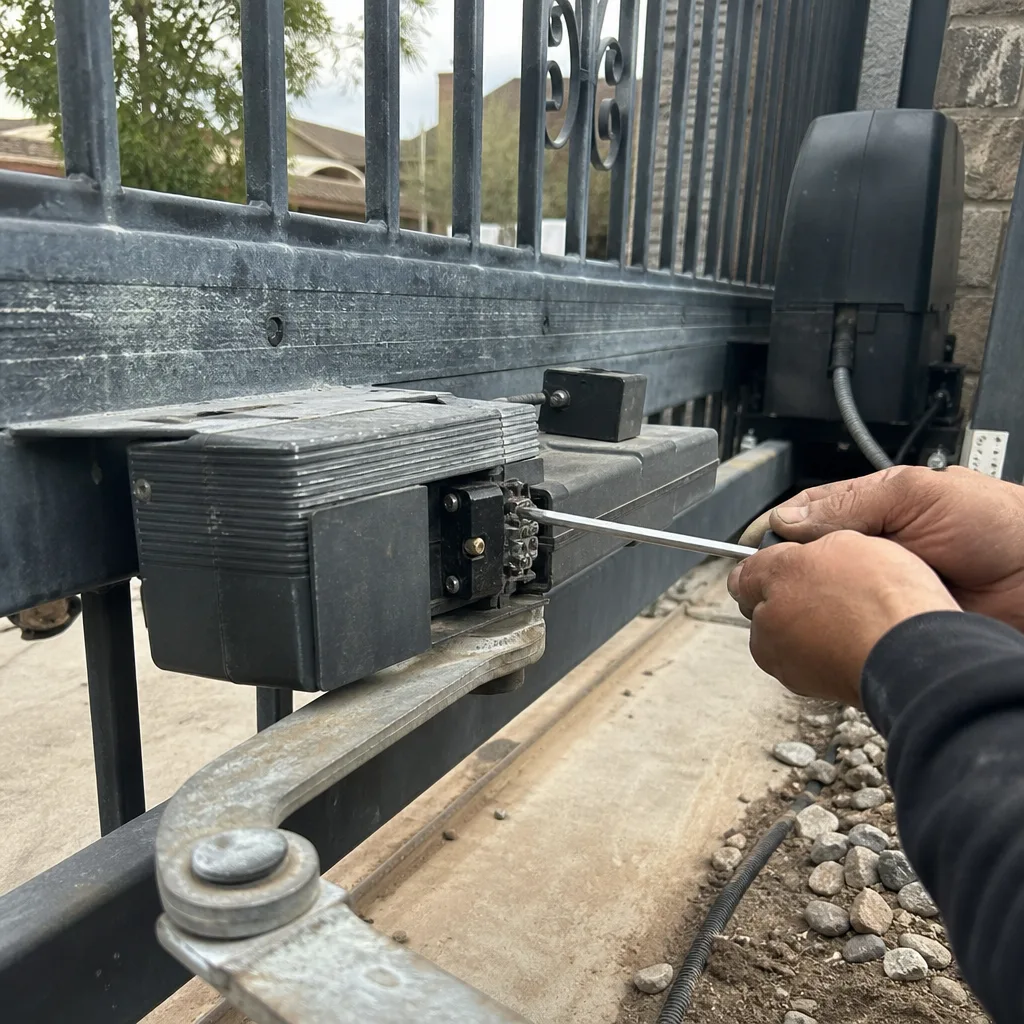
One safety caveat: the operator housing contains mains wiring at line voltage, plus stored energy in the battery and on some models a capacitor that holds a charge after power is cut. If you’re not comfortable opening the housing or you don’t see a clearly labeled battery compartment, leave it closed and let a trained professional test it. The 3-minute reading is not worth a shock. Our Gate Repair in Whitney service handles electrical diagnostics on every major brand.
Loop-Detector False Triggers: The Glitch Worth Chasing
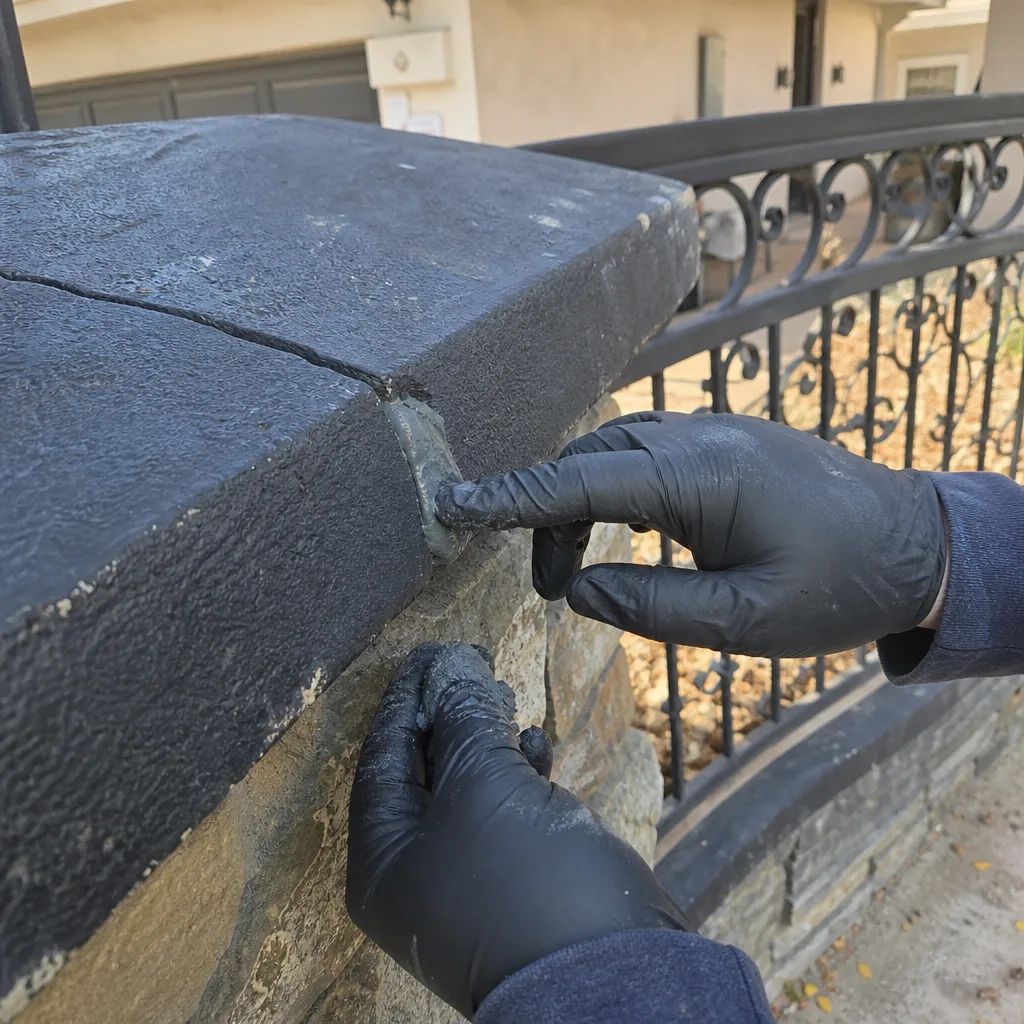
A gate that opens with no car present is almost always dismissed as a glitch. It shouldn’t be. On a driveway gate with a vehicle loop detector – the in-ground sensor that tells the gate a car is waiting – an unexplained open event is the loop reporting that it detected metal that isn’t there. That’s not a mystery. That’s a signal.
Loop detectors false-trigger for a few predictable reasons:
- Loop wire damage. Settling soil, tree roots, or a driveway repair can nick the wire running through the loop. The detector sees an interrupted circuit and reports it as a detection.
- Water intrusion. In Whitney, monsoon-season rain and irrigation runoff can pool near a driveway loop cut. Wet soil changes the capacitance the detector sees, and the loop reads it as a vehicle.
- Ground shift after a hot summer. Our soil moves. A loop that was snug and correct in March can be two inches different after thirty days of triple-digit heat.
- Detector sensitivity drift. Loop detectors have a sensitivity setting. If it’s been set too high to coax a response from a failing loop, it will start firing on parked cars in the street or a metal gate post swinging past.
Each of these shows up as the same symptom – a gate that opens with nothing in the driveway – but each one has a different fix. A flicker of false triggers once a month is worth writing down. A daily false trigger is worth a look before a motor burns out from unnecessary cycles. If your Whitney property has been through a driveway repair in the last year, that’s the first thing to mention when you call.
What Wifi Dropouts Actually Tell You About Power
Smart gate controllers that connect to wifi – we see these on newer LiftMaster and Linear installs – drop offline for a very specific reason that has nothing to do with your home network. A wifi board that loses connection twice a week while every other device in the house stays online is usually the only sensor in your home reading the operator’s supply voltage. When that voltage sags, the wifi module reboots. Every other connected device keeps working because it’s on the house circuit.
The sequence looks like this:
- The wifi board logs a disconnect at, say, 3:14 a.m.
- The board reboots and reconnects.
- The app reports the gate as “offline for a few minutes.”
- You assume the router dropped.
But the router didn’t drop – your phone was awake, your laptop was fine, and the smart TV didn’t blink. The operator’s supply is the odd one out, and it’s telling you so. A single wifi dropout a month is a router thing. Multiple per week on a gate board, especially clustered in the early morning hours when the grid voltage tends to dip, is a power-supply story. That’s a strong lead for a technician to chase on the first visit rather than the third.
If your operator is model-specific and you want to compare it against the installation guide, we work on all nine of the major brands and can match the app’s offline behavior to the specific board’s known quirks. That’s what makes the Gate Installation in Whitney conversation more useful when we’re talking about a new install – we can tell you which boards read supply voltage cleanly and which ones drift.
Travel-Time Creep: The Two-Second Pattern
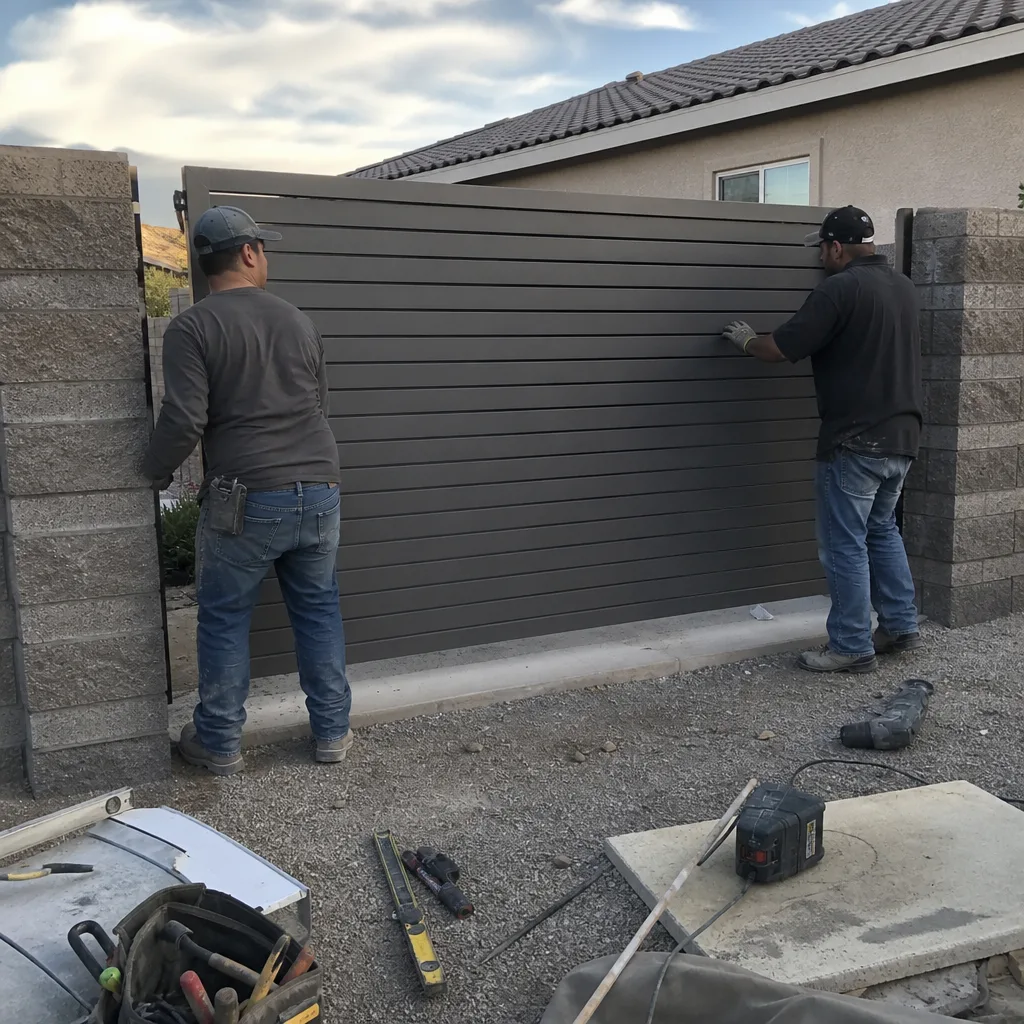
Here’s the quietest warning sign on this list, and in our experience the most predictive. Time your gate’s full open cycle with a stopwatch or your phone. Do it the same way, from the same spot, on the same gate. Write the number down. Then do it again in two weeks, and again two weeks after that.
A healthy residential swing gate, fully open, takes a fixed number of seconds – most operators are set in the 12-to-18-second range depending on the model and the arm geometry. What matters is not the number, it’s the trend. If your gate was taking 14 seconds in March and 16 seconds in June, something has changed:
- The battery is delivering less current. Slower travel on a DC operator is one of the earliest signs that the battery is aging.
- The operator’s speed setting has drifted. Some boards default to a lower speed when supply voltage is low, as a self-protection.
- Mechanical drag has increased. A worn hinge, a settled post, or a dry roller will slow the gate even if the motor is healthy.
The two-second pattern is what turns a vague “it feels slower” complaint into a hard diagnosis. Without the numbers, we can only guess which of those three is happening. With the numbers, we go in knowing what to check first. In Whitney, where summer heat puts real attention on battery health, that’s usually where we look first anyway – but the log tells us whether we’re right before we take the panel off.
How to Build an Owner Log That Saves Diagnostic Time
You don’t need a spreadsheet. A spiral notebook and a pen by the door will do. The point is to capture the pattern data a technician needs to diagnose accurately the first time, not the fourth. Five columns are enough.
- Date and time. Write both. Clustering in the early morning or evening is meaningful.
- What you did. One phrase: “pressed remote from driveway,” “entered keypad code,” “opened car window and pressed fob.”
- What happened. Be specific: “opened after about 1 second delay,” “didn’t open, tried again and it worked,” “reversed at 70% open.”
- Conditions. Weather, temperature, wind, whether irrigation ran that morning. Whitney heat and monsoon rain both show in gate behavior.
- Any number you measured. Battery voltage, travel time in seconds, count of false opens that day.
Two or three weeks of that notebook is worth more than a two-hour troubleshooting session in a vacuum. When you bring it in – or send us a photo of the page – we can see whether the failure is credential-side, power-side, or mechanical. If you’re weighing a repair against a full Vance Gate Repair Whitney home visit for a broader assessment, the log is what tells us the scope. Under The Haven Standard, every visit still ends with our own documented photo record of what we found, but the log starts the story where your eyes were, not where our meters were.
Want a free second opinion on a written estimate from another gate company? Bring their paperwork and your log. We’ll review both at no charge and tell you whether the proposed fix addresses the pattern you’ve been logging, or misses it.
When to Stop Watching and Start Calling
Common Mistakes to Avoid
- Waiting for a loud failure before logging anything. By the time the gate stops moving, the quiet phase is over and you’ve lost the diagnostic window. Start the log the moment you notice any hesitation.
- Assuming wifi dropouts are a router problem. A gate board that goes offline twice a week while everything else in the house stays online is reporting a supply issue. Check the operator before you reboot the router again.
- Raising the loop detector sensitivity to “make it work.” In Whitney, a loop that was tuned correctly before monsoon season will often false-trigger through the wet months. Cranking sensitivity hides the real problem and burns cycles on the operator.
- Replacing the battery without checking the charging circuit. A new battery in front of a failing charger will sag just as fast. Read voltage under charging and at rest before you buy.
- Letting an out-of-sight gate get out of mind. Properties with a single long driveway in Whitney often skip a cycle check for months. The gate that gets cycled twice a day gets noticed sooner than the one that opens once a week.
- Dismissing a single phantom open. One false trigger in a month is a data point. Two in a week is a pattern. The difference costs a check or costs a motor.
- Hiring based on a verbal estimate. If you can’t see the price in writing before the work starts, you can’t tell whether the fix addresses the pattern you logged. That’s the whole point of getting it in writing.
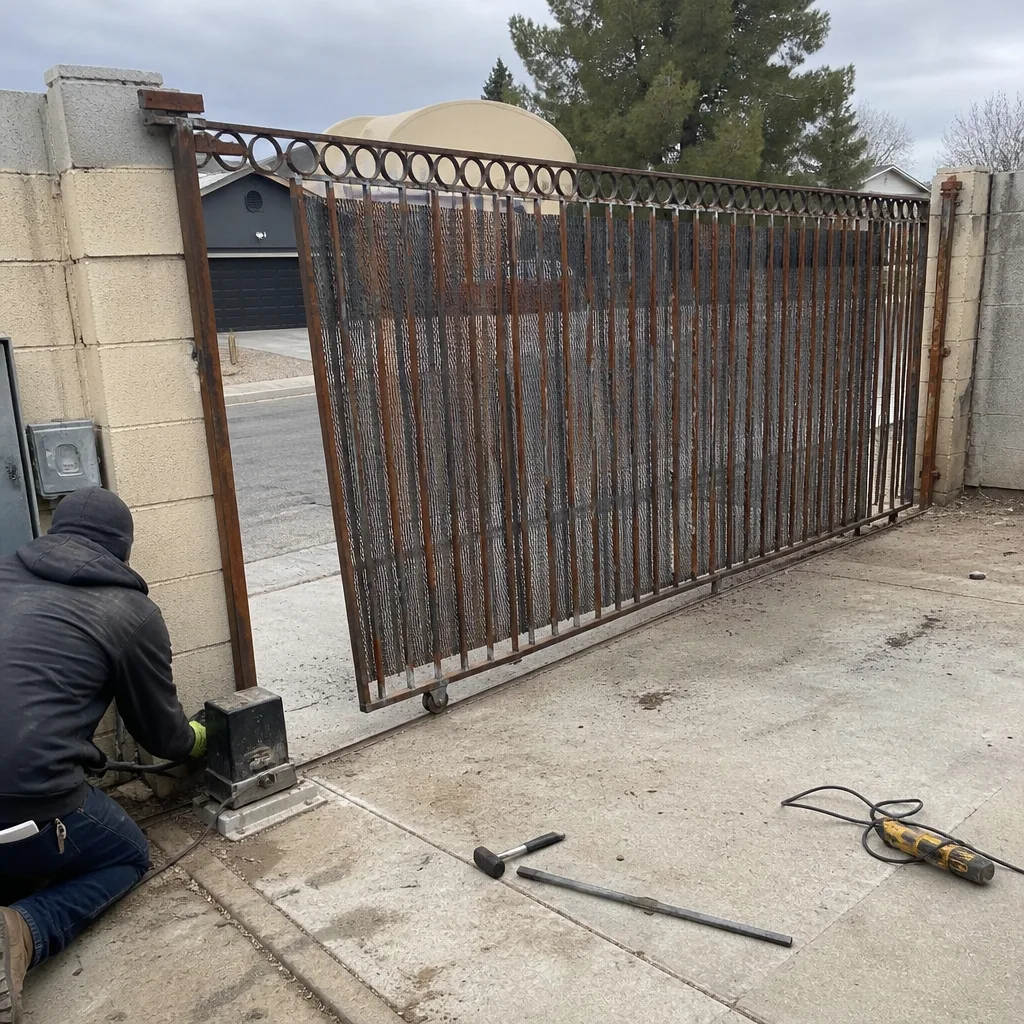
See the difference
BeforeAfter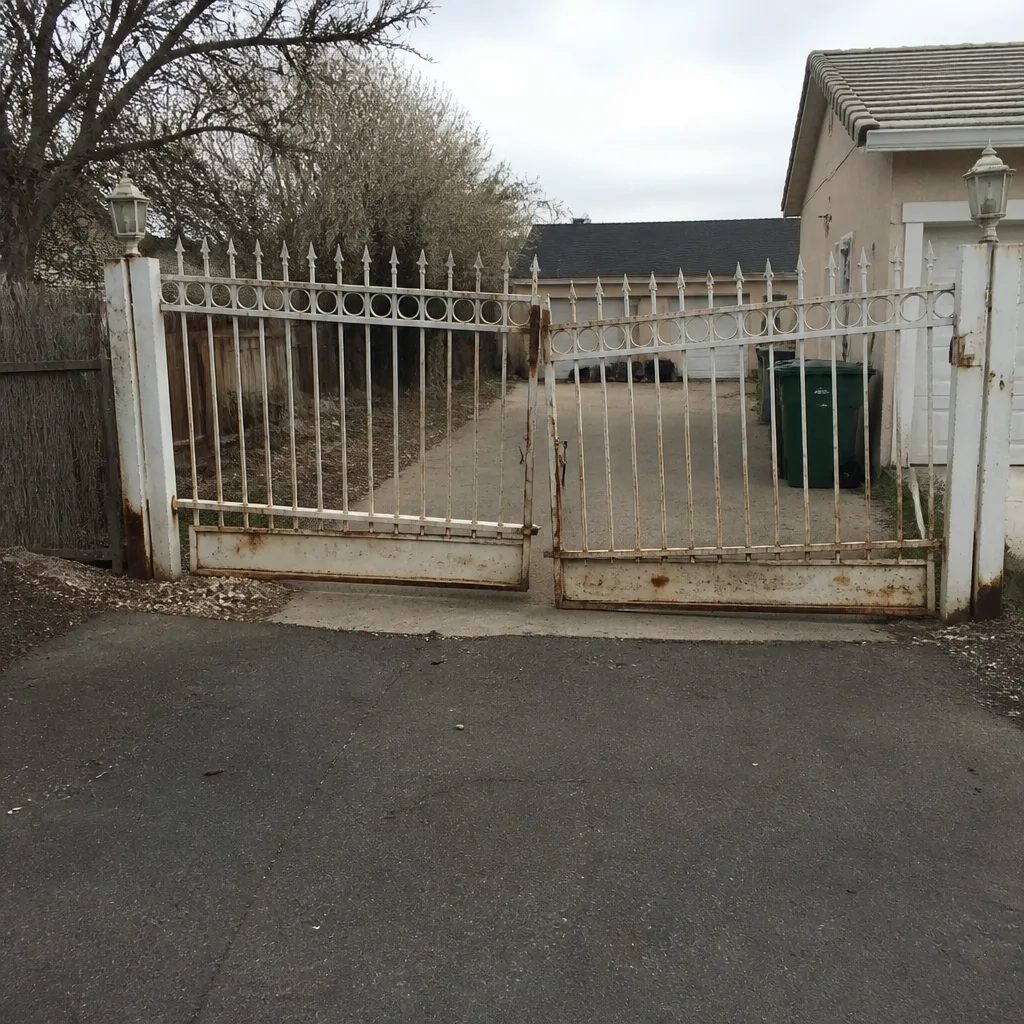 Before
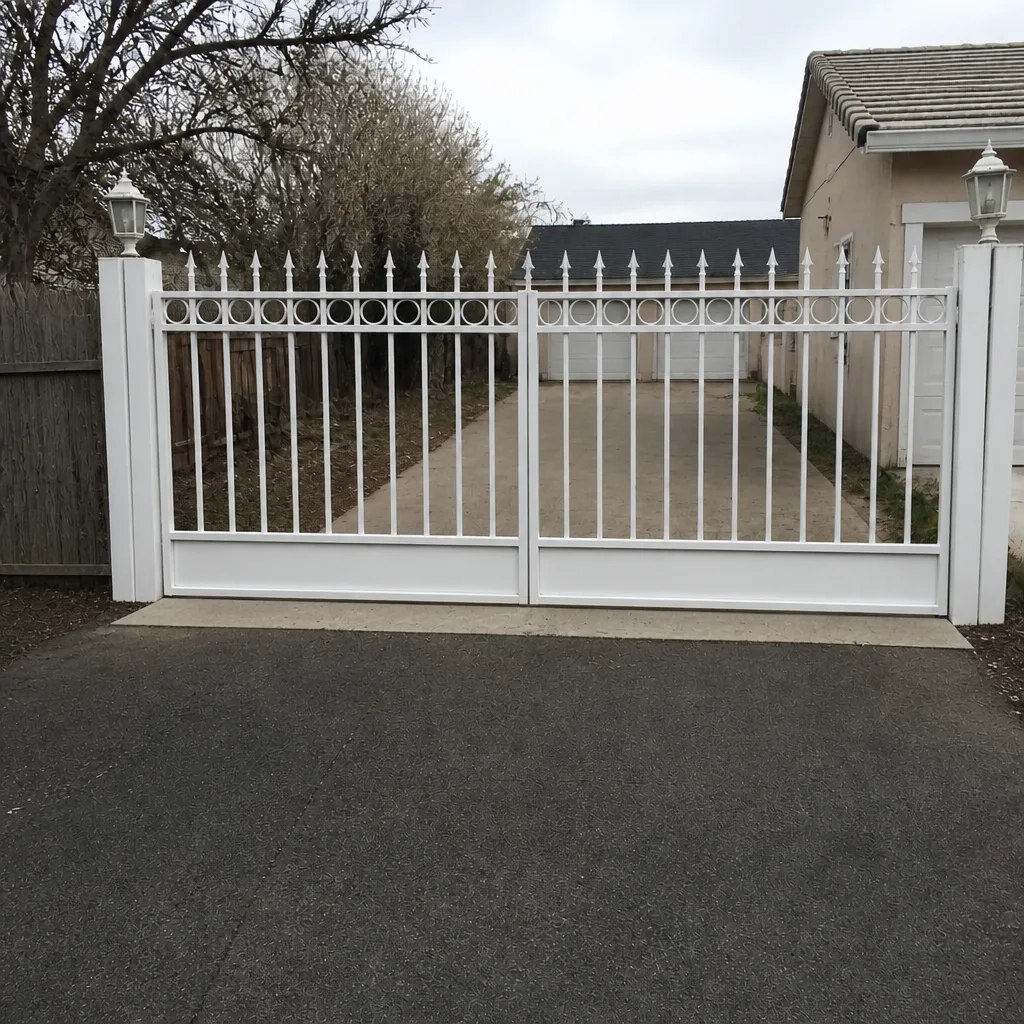 After
 Before
 After
When to Call a Professional
Call a professional when the pattern points to electrical work – voltage trending down under charging, a board that reboots, wiring that shows damage at the terminal block – because the operator housing carries mains voltage and a stored charge. Call when the gate reverses mid-travel without an obstruction, when a phantom open has happened twice in a week, when the two-second travel creep has compounded over a month, or when your own log shows two or more behaviors clustering. Also call if the battery is below about 12V at rest and not recovering after a full charge cycle. Vance Gate Repair Whitney offers free estimates in Whitney – call (844) 797-4861. A live person answers, any hour, and the written price for the work is handed to you before any tool comes out of the case.
Frequently Asked Questions
Battery backup voltage dropping below roughly 12V while the gate still moves. The gate works, so nothing prompts a check, but the control board is already operating below spec and the clock is running on a morning where it won’t open. A basic multimeter on the battery terminals every two weeks catches it.
It’s serious enough to log and worth an inspection if it happens twice in a week. A phantom open usually means the vehicle loop detector is false-triggering due to wire damage, water intrusion, ground shift, or sensitivity set too high. Left alone, the extra cycles wear the operator; fixing the loop is far cheaper than replacing a motor. Call (844) 797-4861 for an estimate – it’s free.
Every two weeks, at rest, with a digital multimeter on the DC 20V setting. A healthy reading is roughly 12.4V to 12.8V at rest and 13.1V to 13.6V while charging. Anything trending down between 0.1V and 0.2V per check is time to have the charging circuit tested. A technician with up to 12 years of experience can read both sides of the circuit in one visit.
If every other device in your house stays online, the dropouts are almost certainly a supply voltage sag at the operator board, not a router issue. Wifi modules on gate controllers are sensitive to the supply they’re fed, and a sag below spec causes reboots. Cluster timing is telling – early morning reboots point to grid voltage dips. Call (844) 797-4861 to have the supply tested.
Occasionally, if it’s a sensitivity setting on the detector. But wire damage or water intrusion in the driveway loop requires digging up and re-splicing the loop, which is a specialist job. And raising sensitivity to hide the problem will cause new false triggers on parked cars. Have it inspected before you adjust anything.
Two to three weeks of consistent entries is enough to see a pattern. By that point a technician can usually tell whether the problem is credential-side (remotes, keypad), power-side (battery, charger, supply), or mechanical (hinge, post, arm). Bring the log to the first visit and it shortens the diagnostic time considerably. Written estimates are free – call (844) 797-4861.
The Bottom Line
Split your attention between the loud and quiet signs. The loud ones will get you on the phone; the quiet ones will tell you when to make the call. Watch for hesitation, credential inconsistency, mid-travel reversal, and travel-time creep. Read battery voltage every two weeks and note the trend, not the snapshot. Log phantom opens and wifi dropouts – they’re not glitches, they’re data. A five-column notebook turns a vague “it’s been acting weird” into a diagnosis on the first visit. Whether you’re in Whitney or anywhere with a gate that opens every time but hasn’t been checked in a year, capture the pattern first, and then have a technician with the tools and the photo record walk through what the pattern means.
Vance Gate Repair Whitney offers free written estimates on any gate access control issue – behavioral, electrical, loop, or wifi. If you have a written estimate from another gate company, bring it in and we’ll give you a free second opinion. The phone is answered by a live person 24/7.
Call (844) 797-4861 for a free estimate.
Written by the team at Vance Gate Repair Whitney.