
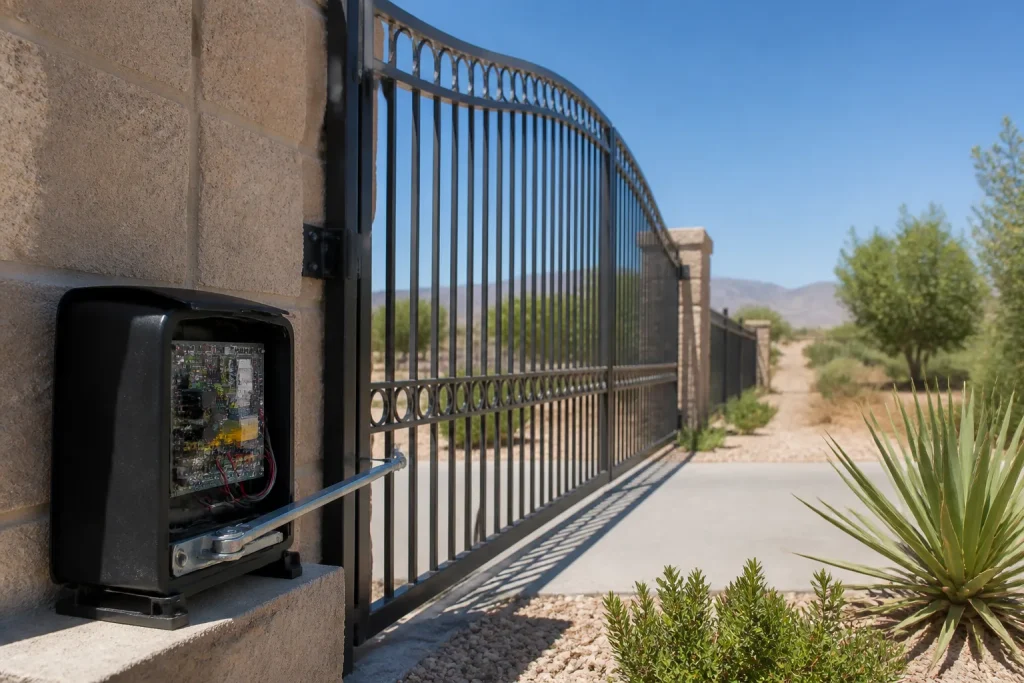
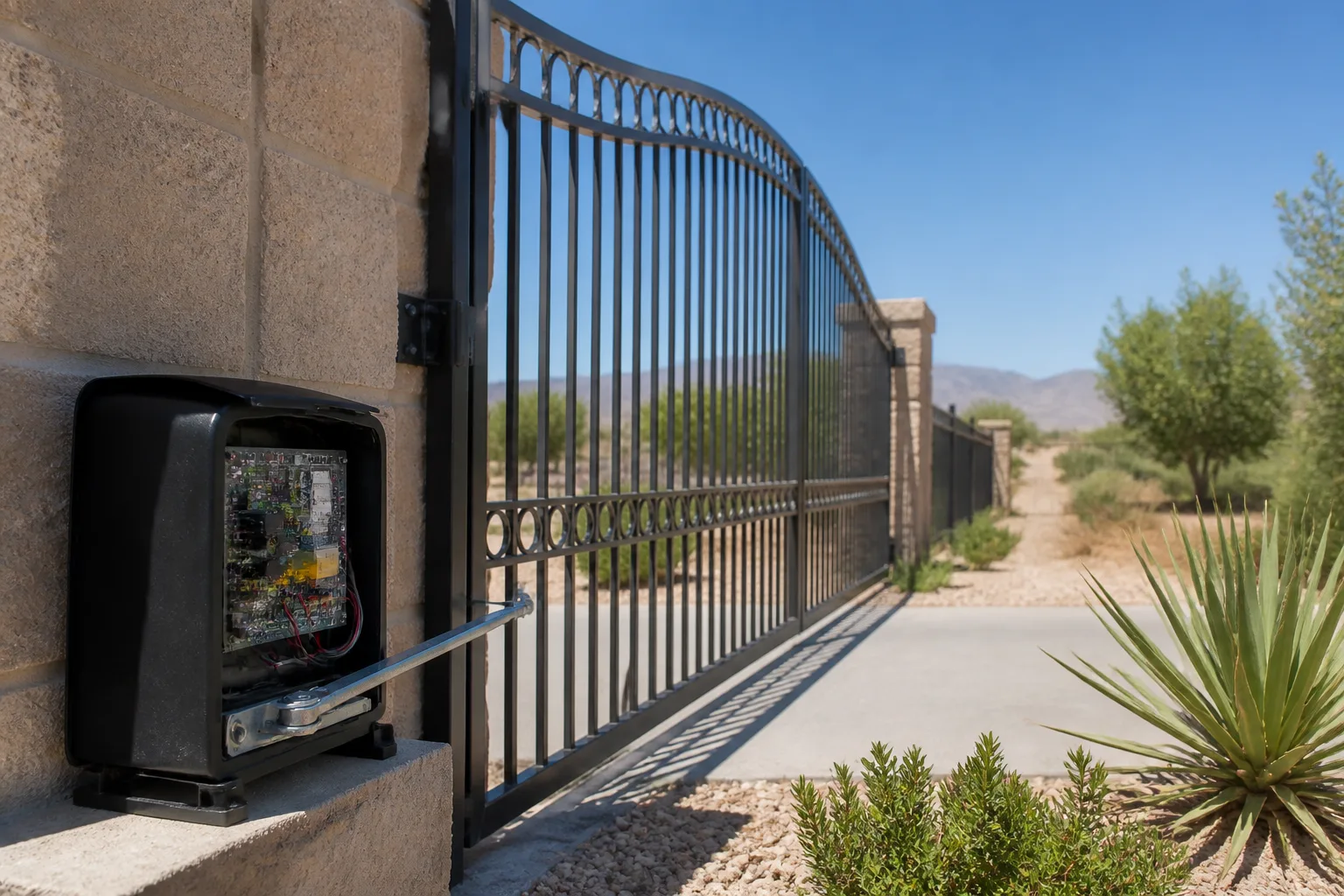
DoorKing Gate Repair in Whitney: A Homeowner’s Guide
Every DoorKing unit keeps an event log. It records what the controller was doing in the seconds before a gate stopped, reversed, or stopped accepting commands. Almost no residential technician asks to see it. They arrive, look at the arm, listen to the motor, and start adjusting hardware. That’s the most expensive mistake in DoorKing repair: fixing the physical layer when the fault lives in the programming layer. If you’d rather not sort that out yourself, call (844) 797-4861 and we’ll take it from there.
Why DoorKing Fails Differently Than Most Residential Gate Openers
Most residential gate operators are one integrated box. The motor, the limit switches, and the control board are the same piece of equipment. When something acts up, a technician can only look at one thing.
DoorKing’s architecture is tiered. The access control logic (who gets in, when, and for how long the relay fires) is separate from the operator hardware (the arm, the motor, the limit switches). That split is why DoorKing systems do things a Mighty Mule or Ghost Controls unit never will, and it’s also why they fail in ways those units don’t. Here’s the sequence we work through on any DoorKing call in Whitney:
- Read the event log first. The log tells us whether the controller commanded a cycle that never completed, received a constant open signal, or never got the command at all. That single step routes the diagnosis before anyone touches a wrench.
- Check the logic layer. Relay timing, anti-tailgate settings, and loop detector sensitivity all live here. If the controller is issuing bad commands, the hardware is innocent.
- Inspect the operator layer. Limit switches, arm bracket, motor draw, and photo-eye alignment. These fail too, but only after the log rules out a logic cause.
- Document the programming state. Both before and after any intervention. More on that below.
Most local gate work jumps straight to step three. On a LiftMaster or Linear operator that’s often fine. On DoorKing it can mean a homeowner pays for a new board when the old one was working correctly and merely misprogrammed.
Which DoorKing Settings Drift Over Time
Intermittent failures are the hardest DoorKing problem to pin down, and in our experience they usually trace back to a parameter that has drifted. These systems have been running day in and day out for years, and settings that were correct at install don’t necessarily stay correct. The three we check most often:
- Relay timing. The controller sends a “hold open” command for a set number of seconds. If that value has drifted (or been bumped by a previous technician), the gate may reverse before it fully seats, or stay open longer than it should. A gate that “sometimes doesn’t close all the way” is a classic relay timing symptom, not an arm problem.
- Anti-tailgate settings. On a DoorKing access control system, anti-tailgate logic prevents a second vehicle from following the first through the gate on a single command. When this setting drifts, you get erratic behavior: gates closing on the second car, or staying open when they shouldn’t. It’s a logic fault, and no amount of hardware adjustment will fix it.
- Loop detector sensitivity. The loop is the buried wire that senses a vehicle. Sensitivity drifts with soil moisture, pavement cracks, and nearby metal. Too sensitive and the gate never closes because it thinks a car is always present; too dull and it closes on the bumper. In a Whitney neighborhood where the ground shifts seasonally, this one comes up a lot.
None of these three can be diagnosed by ear or by eye. They only show up when someone reads the log and checks the actual programmed values. If you’re already scheduling service on this unit, our Gate Motor & Opener in Whitney page covers how we handle the mechanical side alongside the controller.
What a Complete DoorKing Service Record Looks Like
Here’s the part that separates a real DoorKing repair from a guess. Before any technician touches your system, you should ask for the documentation they’ll leave behind. Not a verbal summary. The actual record. When we do a DoorKing service call in Whitney, the homeowner gets:
- An event log extract or screenshot. The exact sequence the controller recorded around the failure. Not a paraphrase.
- The before-and-after programming values. Relay timing, anti-tailgate setting, and loop sensitivity, stated as numbers. If a value changed, you get both the old and the new.
- The firmware version. DoorKing firmware matters because different versions handle logic differently. A record without the firmware version is incomplete.
- A photo log of the physical findings. The limit switch position, any arm or bracket wear, the photo-eye alignment. A Gate Repair in Whitney call should always leave you with this.
Keep a copy of that record independent of the technician and the company. Store it in your own files, not just the company’s. If you ever sell the house, switch service providers, or need a warranty claim, that record is what prevents the next person from starting over and charging you to rediscover the same problem. Twice, the same problem, two invoices, is the most common complaint we hear from Whitney homeowners who switched to us.
Under the Haven Standard, every visit includes a documented photo record at no additional charge. The written price is handed over before work starts, so you know exactly what you’re paying for the documentation and the repair together.
In Whitney, Power Fluctuations Corrupt DoorKing Memory
This is the failure pattern that most often catches people out, and it’s local. Whitney’s rural service panels tend to carry more voltage sag and surge activity than a newer subdivision’s would. Brownouts from irrigation load, storm-related spikes, and the ordinary on-off cycling of a well pump can all feed the panel that powers your gate.
DoorKing controllers hold programmed parameters in memory, and a hard enough voltage event can corrupt that memory. The symptom is a gate that suddenly “forgets” its settings: it runs past the limit, ignores an access command it used to accept, or behaves as if freshly installed. Homeowners often assume the board is dead. Often it’s working fine and just lost its programming.
What prevents it is a properly specified surge protector on the dedicated gate circuit, sized for the panel and installed at the point of power entry, not a power strip. If your panel has never had one, that’s worth a look before the next storm season. We check the power feed as part of any DoorKing diagnostic in Whitney, and if surge protection is missing we’ll name it in the written scope rather than quietly install something and bill you for a surprise.
When to Call a Pro (And When It’s Just the Remote)
Not every DoorKing glitch is a service call. If the gate runs fine from the keypad but won’t respond to one specific transmitter, that’s a remote or receiver pairing issue you can usually sort yourself. If the gate works fine manually but won’t run under power, check the breaker and the safety edges before calling.
But a gate that behaves erratically, runs past its limits, reverses mid-travel, or “forgets” settings has moved into logic territory. That’s where the event log matters, and it’s where a hardware-only technician can easily cost you a board replacement you didn’t need. On a DoorKing access control system in Whitney, an intermittent failure that’s been “fixed” twice and keeps coming back is almost always a programming or memory issue that nobody read the log to find.
One more thing on safety: the arm and the controller are safe to inspect visually, but the high-tension hardware inside and around a swing-gate operator isn’t a DIY repair. If you see a spring, cable, or anything under load that looks worn, leave it to a trained technician. We’ve seen homeowners try to tighten a bracket on a loaded arm and get hurt. That’s not a repair you want to improvise.
Related services in Whitney: for the full picture on repairs, see Gate Repair in Whitney; for a new build or controller upgrade, Gate Installation in Whitney walks through the measure-and-quote process. And if you’re still choosing a provider, the Vance Gate Repair Whitney home page lays out how we price and document every job.
The Bottom Line
DoorKing repair starts with the event log, not the wrench. The controller can tell you what it was doing when the gate failed, and skipping that step is how good money goes toward the wrong layer of the system. Ask for the log, the before-and-after parameter values, the firmware version, and a photo record of what was found and what was changed. Keep your own copy.
If you’re in Whitney and your DoorKing gate is acting up, or you’ve been quoted for a repair you’re not sure about, Vance Gate Repair Whitney offers free estimates and a free second opinion on any written estimate from another company. Bring the paperwork and we’ll review it at no cost. Call (844) 797-4861. A live person answers, any hour, and the flat price is in writing before anyone picks up a tool.
Frequently Asked Questions
Most DoorKing diagnostic and repair calls run in a few-hundred-dollar range depending on whether the fault is in the logic layer or the operator hardware; a programming correction is far less than a board or motor replacement. We quote a flat price in writing before work begins, so there are no surprise invoices at the end. Call (844) 797-4861 for an exact quote on your unit. Estimates are free.
In many cases yes. A live person answers our line any hour, and we can often get a technician to a Whitney DoorKing unit the same day for a diagnostic. Since DoorKing repairs depend on reading the event log and checking programmed values, the first visit is usually diagnostic plus repair if the fault is straightforward. Call (844) 797-4861 to check same-day availability.
Ask for the event log extract, the before-and-after programming values (relay timing, anti-tailgate, loop sensitivity), the firmware version, and a photo log of the physical findings. Keep your own copy of all four. If a technician can’t produce these, you’re paying for a guess, not a documented repair. We leave all four on every visit.
Losing settings usually points to a power problem, not a dead board. Voltage sag and surge events on the circuit feeding the controller can corrupt DoorKing memory, and Whitney’s rural panels are prone to it. The fix is a properly spec’d surge protector on the dedicated gate circuit plus a memory and programming reset. Call (844) 797-4861 and we’ll check the power feed as part of the diagnostic.
Written by the team at Vance Gate Repair Whitney.
Need Gate Repair Help?
Call Vance Gate Repair Whitney - licensed & insured, here with fast after-hours help in Whitney.
(844) 797-4861