
Last updated November 18, 2026
 Wrought iron
 Wood & steel frame
 Farm & ranch
 Sliding driveway gates
 LiftMaster operators
Free on-site gate assessment - hinges, posts, and your LiftMaster or Nice gate operator checked before anything is quoted
The assessment is free and the quote is the invoice.
Get your free estimateThe Complete Gate Access Control Guide for Whitney Homeowners
A video intercom that needs a cloud subscription to open your own gate is a system that stops working the day the manufacturer discontinues the product or the cell signal drops below one bar. That’s a different risk calculation in Whitney than it is in a dense Las Vegas suburb, and it’s the calculation most gate quotes never mention. This guide walks through the four access methods (keypad, remote, intercom/video, and vehicle detection), how each behaves when your power or internet fails, and the exact specs to demand in writing before you sign anything. By the end you’ll know how to read a Whitney access control quote.
Quick Answer
For most Whitney homeowners, the right access control setup is a locally-stored credential system (keypad and/or remote) paired with a cellular LTE controller for remote access, not a cloud-dependent intercom. Verify three things before you buy: where credentials are stored, how the gate behaves with no internet and no power, and which carrier the cellular module uses. Whitney’s intermittent cell coverage and frequent outage patterns make these three specs more important than the brand on the box.
Styles & brands we work with
- Wrought iron
- Wood & steel frame
- Farm & ranch
- Sliding driveway gates
- LiftMaster operators
Table of Contents
- The Four Access Methods, Mapped to Whitney Realities
- Cloud-Dependent vs. Locally-Stored Credentials
- Cellular LTE Controllers: The Whitney-Appropriate Remote Access
- Power Reliability and Battery Backup Integration
- The Access Log as a Property Management Tool
- Spec Checklist for Evaluating Any Access Control Quote
- Common Mistakes to Avoid
- Frequently Asked Questions
 Before
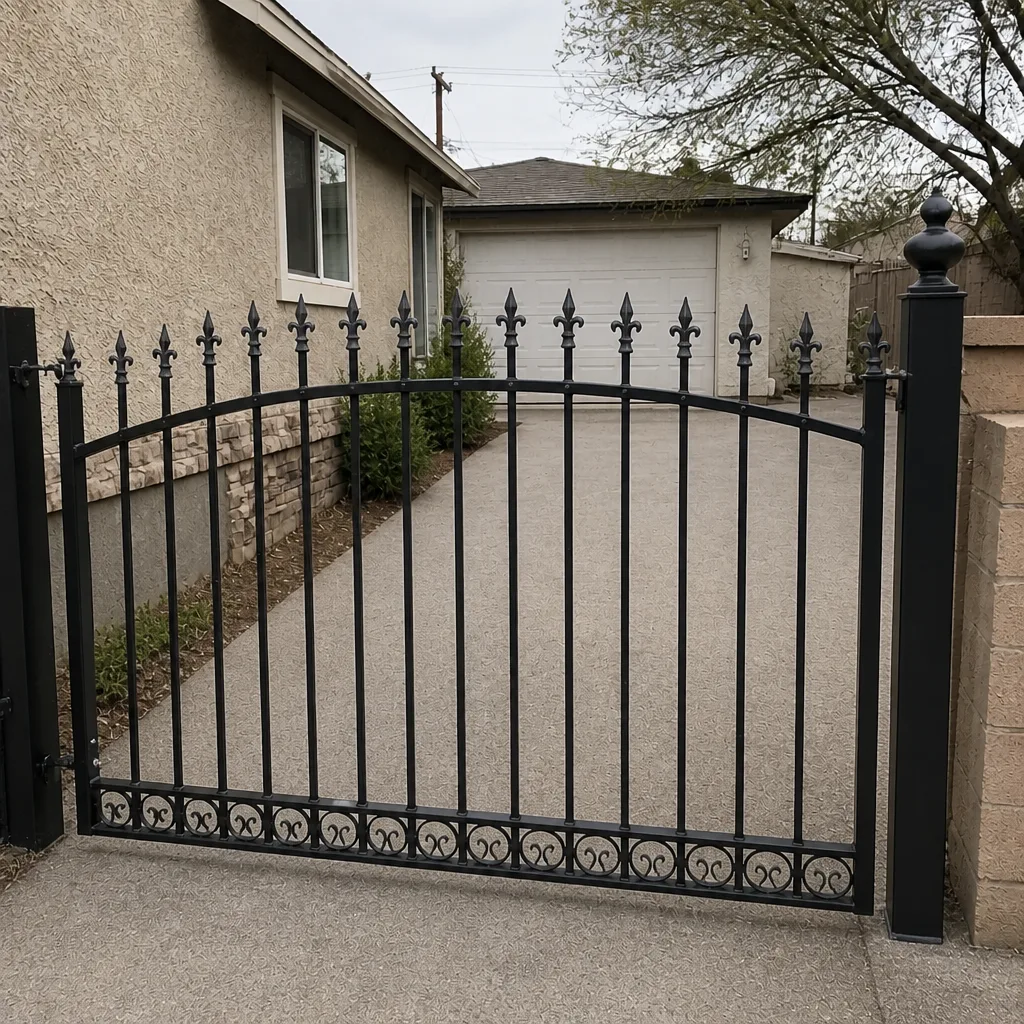 After
The Four Access Methods, Mapped to Whitney Realities
Most access control quotes treat the four access methods as interchangeable features. They’re not. Each one fails differently when the infrastructure around it fails, and Whitney’s infrastructure is not the same as a suburban Las Vegas neighborhood. Here’s how each method actually behaves in Whitney.
Keypad. A wired keypad with locally-stored codes continues to work through internet outages and, with battery backup, through a power outage. This is the workhorse credential method for Whitney driveways. Its weakness is shared codes: if you give a code to a contractor and don’t rotate it, the credential lives forever.
Remote (transmitter). A simple radio-frequency remote is the most outage-resistant method on the list because it depends on nothing but the receiver inside the gate operator. No internet, no carrier, no subscription. In Whitney, where power and cell service can both blip, the remote remains the fallback that always works. The catch is range and interference; older 300 MHz systems can struggle with metal gates.
Intercom/video. The most capable and the most fragile. Many video intercoms rely on cloud authentication, meaning the gate opens only if the system can reach the manufacturer’s server. In a Whitney driveway where only one carrier has a reliable signal, cloud intercoms become an unreliable primary access method.
Vehicle detection. A buried loop or driveway sensor triggers the gate on approach. Useful for high-entry-volume properties; overkill and prone to false triggers on low-traffic Whitney driveways where a deer or a passing truck can trip the sensor.
If you’re weighing which access method fits an existing operator, our Gate Motor & Opener in Whitney page covers compatibility with Ghost Controls, DoorKing, Elite, Mighty Mule, and the other brands we service.
Cloud-Dependent vs. Locally-Stored Credentials
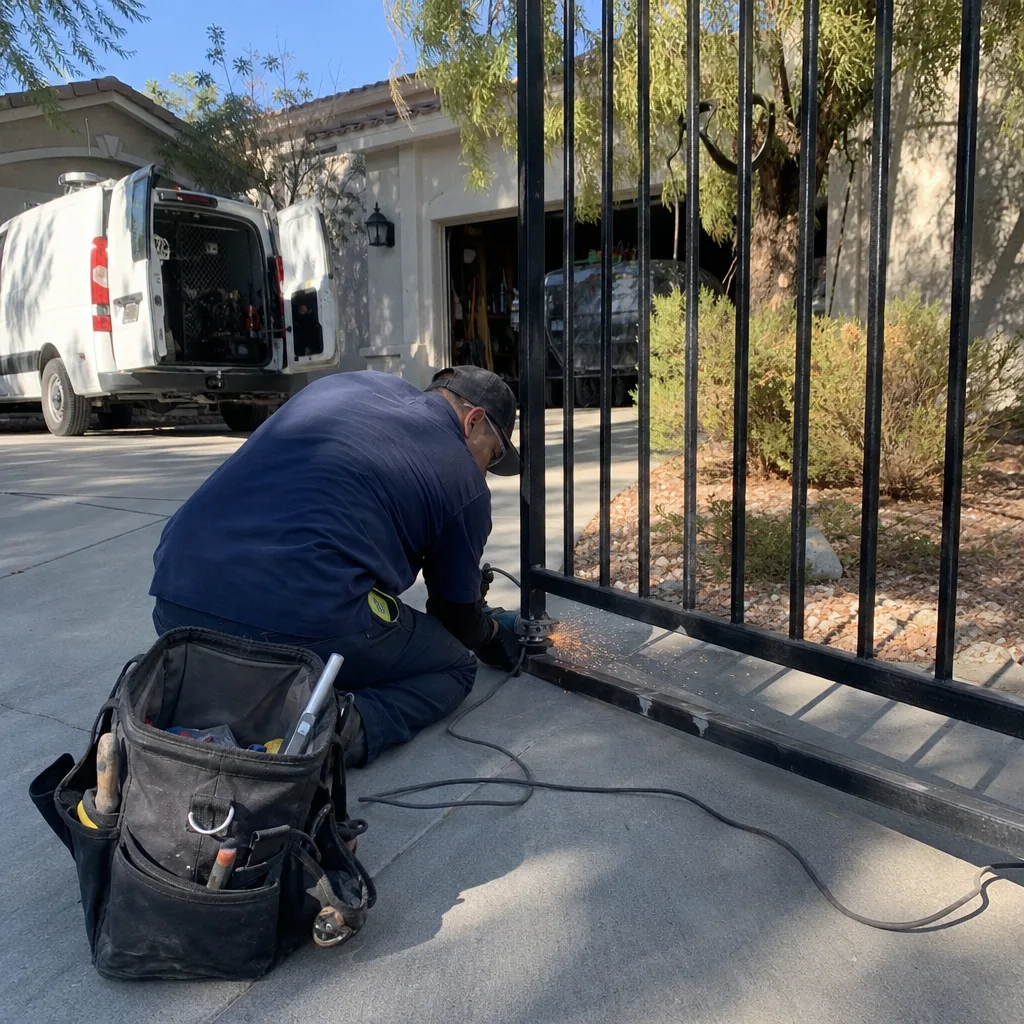
This is the single most important distinction in gate access control and the one least likely to appear on a quote. A locally-stored credential system keeps user codes, remotes, and PINs inside the gate controller itself. When it authenticates, it compares what you typed to a list stored on the property. No internet round-trip. The gate opens even if the cloud is down, even if the manufacturer shut off the servers, even if your router is dead.
A cloud-dependent system authenticates by sending your credential to a server somewhere else. The gate opens when the server says yes. That works beautifully until the day it doesn’t. The failure modes are real and predictable:
- The manufacturer discontinues the product and shuts off the authentication server, and your gate stops accepting codes overnight.
- The property’s internet goes down, and the gate behaves as if every credential has been revoked.
- The cellular signal at the property drops to one bar because of a tower change by a carrier you don’t control.
- The subscription lapses (or the company raises the price and you decline), and the gate refuses service.
How to tell which one you’re buying? Ask the installer, in writing, three questions: Where are the user credentials stored? What happens to gate access if the internet goes down? Does the gate require an active subscription or manufacturer server to open? If the answer to any of those isn’t a clean, specific sentence, the quote isn’t finished. This belongs in the same written-price conversation we insist on before any work starts: the price of the system and the price of its failure mode are two separate numbers, and both belong on the page.
For homeowners evaluating a system choice, our Gate Installation in Whitney team can review a quote line-by-line before anything is ordered, and the review costs nothing.
Cellular LTE Controllers: The Whitney-Appropriate Remote Access
If you want to open your gate from somewhere other than the driveway (from work, from out of state, from a contractor’s phone forty miles away), you need remote access. There are two ways to get it: internet-dependent (Wi-Fi or hardwired ethernet) or cellular LTE. For Whitney properties, cellular LTE is usually the right answer because it doesn’t rely on the home internet connection or the homeowner’s router, both of which fail more often than they should.
But cellular LTE is not a brand; it’s a carrier. Each cellular gate module is built to talk to a specific network. In a market where only one carrier has reliable signal at your property, a module locked to the other carrier is useless. So the spec to verify, before you buy, is not does it support LTE? but which carrier does this module use, and is that the carrier that works at my gate?
The steps to verify coverage correctly:
- Stand at the gate operator location (not your kitchen) with your phone.
- Note the carrier showing bars and the carrier showing one bar or “no service.”
- Ask the installer to confirm the module’s carrier in writing, on the quote.
- If the module’s carrier does not match the one with signal at the gate, reject that module and ask for the compatible one.
- Confirm whether the module requires a subscription and what the monthly cost is.
We’ve seen more failed access control installs from a carrier mismatch than from any other single cause in Whitney. DoorKing and Elite both make cellular-capable controllers, and we service either brand on a property rather than steering you toward replacement.
Power Reliability and Battery Backup Integration
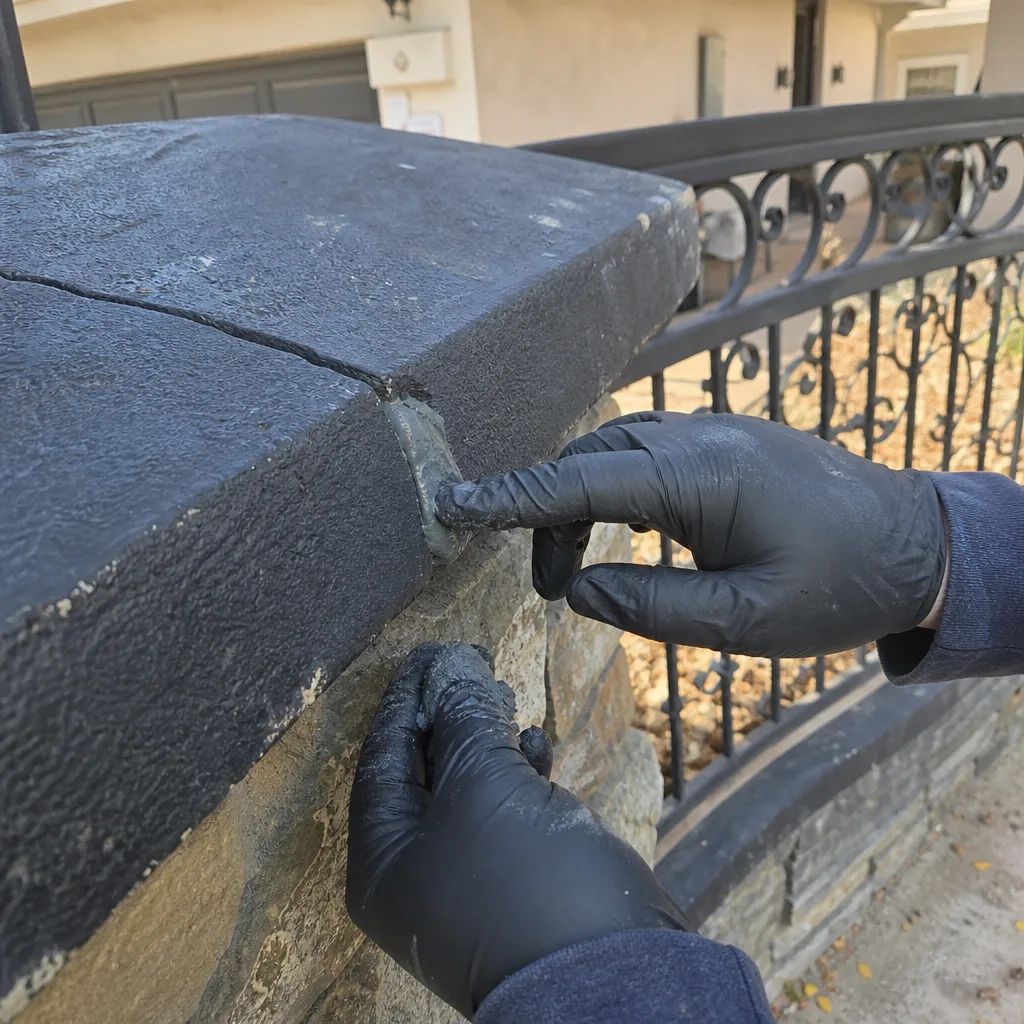
A gate that stops working in an outage is a gate that blocks you out of your own driveway when you most want to be home. Whitney’s power reliability is not perfect, and the standby power design of your access control system should reflect that. Two separate power questions need answering, and they’re not the same question:
- Gate operator backup. Most modern swing and slide operators accept a battery backup kit, typically a sealed 12V battery in an enclosure. With backup installed, the gate still opens during an outage (often for a limited number of cycles). Without it, the gate is a manual release or a locked iron barrier.
- Access control backup. If the keypad or intercom itself has no backup, the gate has power but the entry system doesn’t. A locally-stored keypad with no backup battery stops accepting codes the moment the mains drop. Confirm that both the operator and the access control module are on backup, or the backup is only doing half its job.
Also confirm how you’ll get out if the operator fails entirely. Every swing gate should have a manual release key and every slide gate should have a hand-release mechanism. If the quote doesn’t name it, ask for it in writing. When the technology fails, the mechanical release is the backup to the backup. If your operator is currently failing or struggling under load, our Gate Repair in Whitney team can diagnose the operator and the access control system in a single visit.
The Access Log as a Property Management Tool
Most homeowners think of the access log as a security feature. It’s actually more useful as a documentation tool, and on a Whitney property the log earns its keep in ordinary situations rather than dramatic ones.
A properly designed controller keeps a dated, timestamped record of every open event: who used which credential, when, and how. That log does four practical jobs:
- Contractor documentation. When the landscaper says they were on-site Friday at 9 AM, the log confirms or refutes the visit. Trades who bill for hours worked get paid against the record.
- Delivery verification. When a package carrier claims the driver couldn’t get in, the log shows whether a credential was used, or not, at the supposed delivery time.
- Dispute resolution. Neighbor claims about gate usage, tenant claims about access, and insurance questions all resolve faster against a timestamped record.
- Credential hygiene. Reviewing the log reveals which codes haven’t been used in a year and can safely be rotated out, closing an easy attack surface.
The key question is whether the log is stored locally (retrievable directly from the controller) or in the cloud. A cloud-only log vanishes when the subscription ends. A locally-stored log remains yours. Ask which one you’re buying, and confirm the retention window in writing.
Spec Checklist for Evaluating Any Access Control Quote
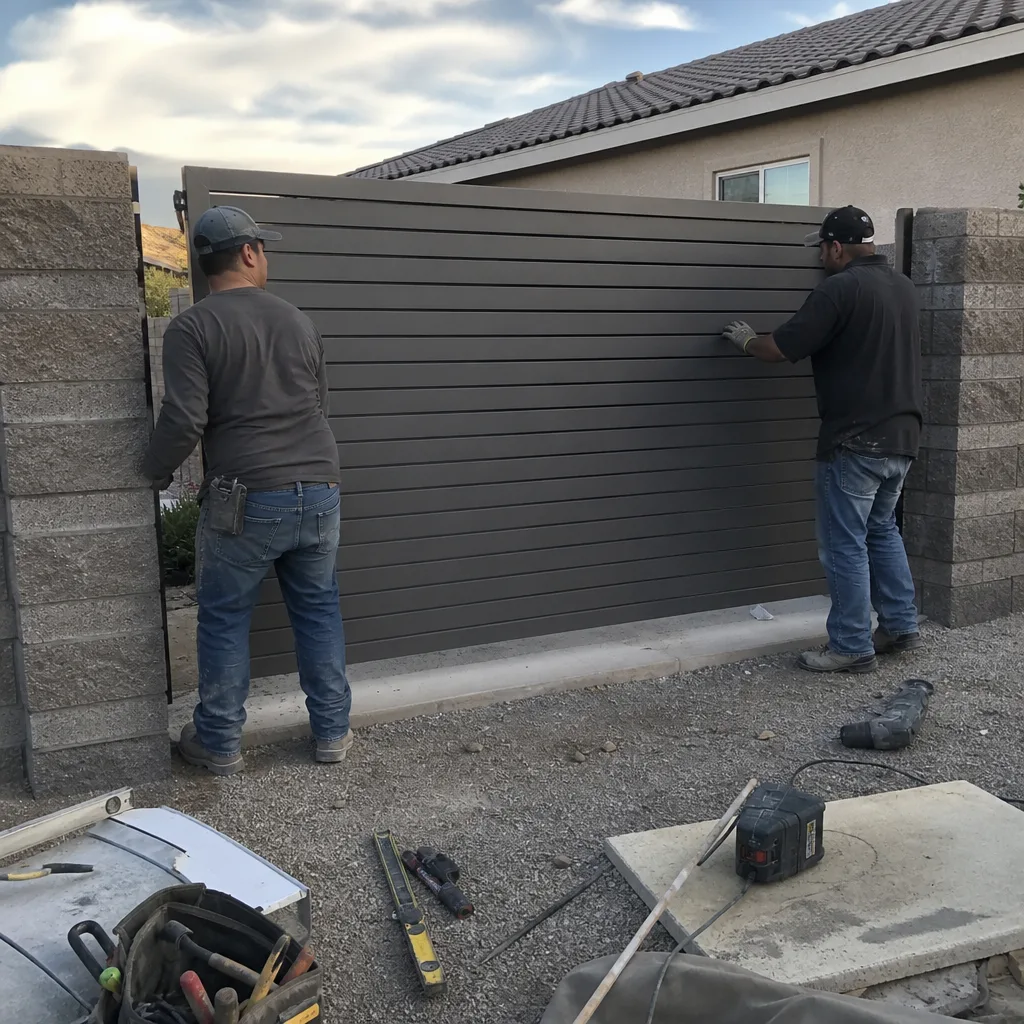
Bring this checklist to every access control quote. If a sentence on the quote can’t be matched to a line here, the quote has a gap. Our team writes every quote this way under Clause 1 of the Haven Standard (have it in writing) – a flat written price handed over before anything is installed.
- Credential storage location. Where are user codes and remotes stored – on the property controller, or on a manufacturer server? Get the answer in writing.
- Offline behavior. What does the gate do when the internet goes down? Does it still accept local credentials? Does it still open for existing authorized users? Confirm both, not just one.
- Cellular carrier. If the system includes cellular remote access, which carrier does the module use? Match against the carrier that shows signal at the gate location.
- Battery backup integration. Confirm that the operator and the access control module are both on backup. Confirm the release mechanism (key or hand crank).
- Admin credential documentation. Does the installer leave behind written documentation of the admin credential, the master PIN, and any dealer-level passwords? You should own your system outright, not rent access to it.
- Parts brand transparency. The quote should name the exact equipment being installed: the operator brand, the keypad or intercom model, the cellular module part number.
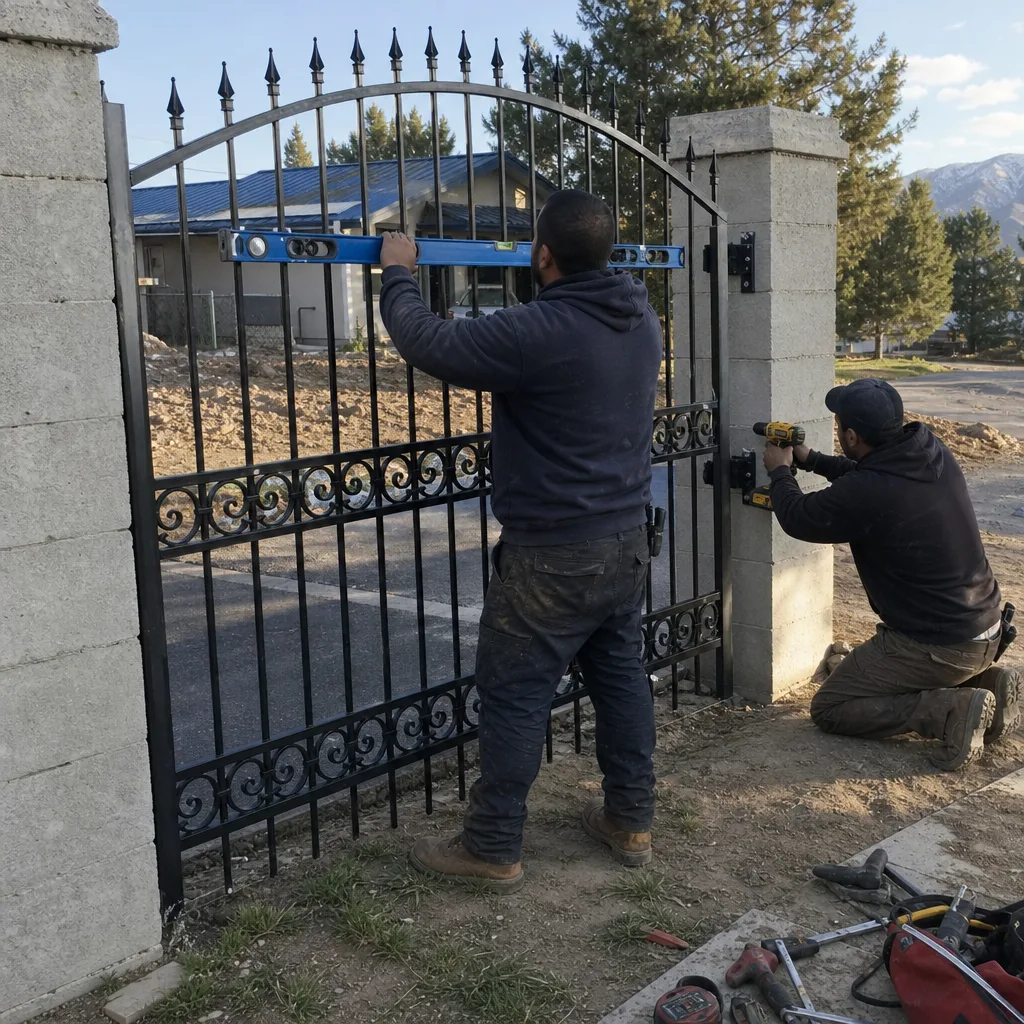
- Photo record of the install. The finish should include photographs of the wiring, the limit switch settings, and the final installed state – the same documentation habit we carried over from commercial access-control work.
Before signing anything, review the quote against this list. Our team over at Vance Gate Repair Whitney home reviews any written estimate from another company at no cost, and we’d rather flag a gap before you sign than fix it after.
Common Mistakes to Avoid
- Buying a cloud-only system without realizing it. Many modern video intercoms authenticate on a manufacturer server. If the manufacturer discontinues the product or your internet fails, the gate can stop opening. Ask where the credentials live before signing.
- Choosing a cellular module without checking the carrier. A module locked to the wrong network is a remote access system that will never work at your gate, no matter how much was spent on it.
- Skipping battery backup on the access control module. Homeowners often install operator backup and forget that the keypad itself needs a battery. An access control system with no backup stops accepting codes at the first outage.
- Accepting a “call for a quote” verbal estimate. Access control is a spec decision, not a handshake decision. If the installer won’t write the specs and the price, the quote isn’t finished.
- Not documenting the admin credential. If the installer keeps the admin PIN and you don’t, you’ll need them for every future change. Insist on written documentation of every credential you own.
- Over-buying for a low-traffic driveway. Vehicle detection and multi-user credential management are worth it on a high-volume property; on a Whitney driveway with four authorized vehicles, they’re cost without return.
- Forgetting the manual release. Every swing and slide gate should have a mechanical release that works without power. Confirm it’s installed and demonstrably functional on the day the technician leaves.
See the difference
BeforeAfter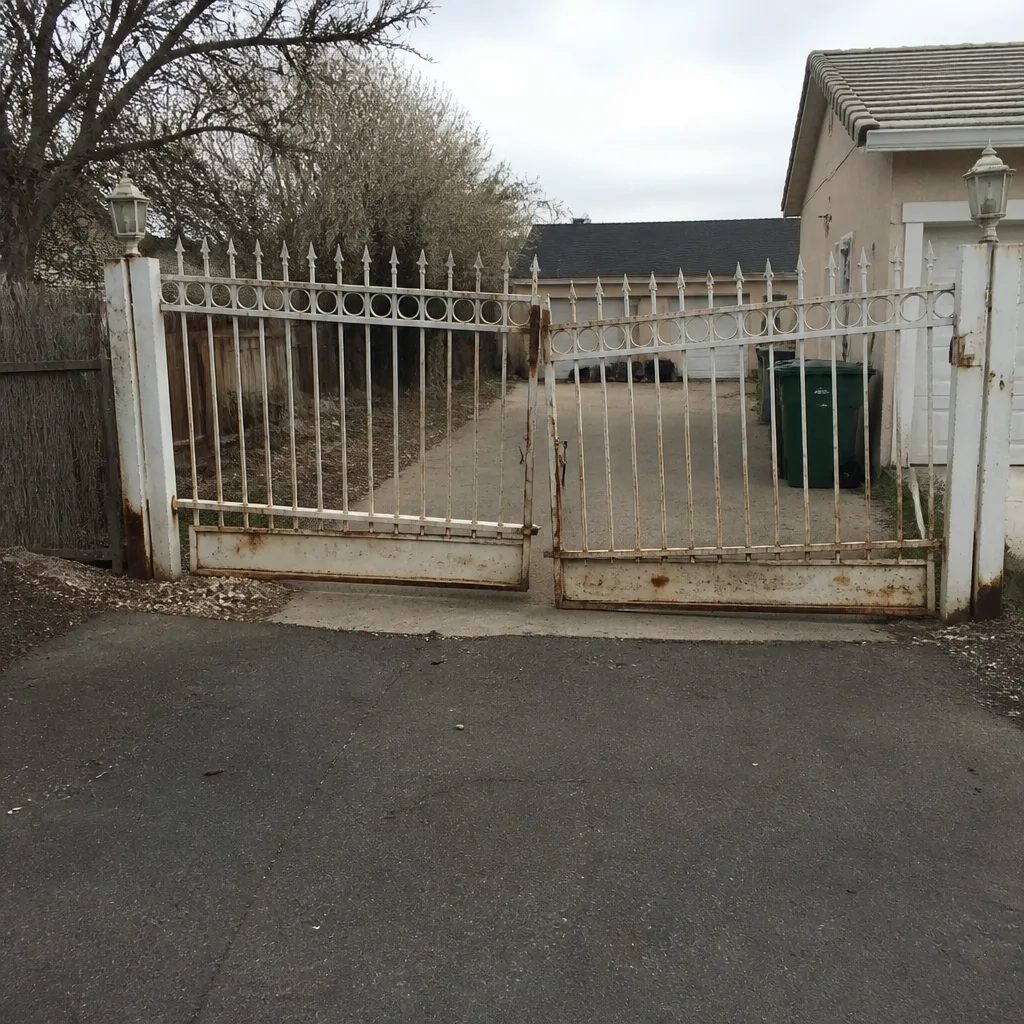 Before
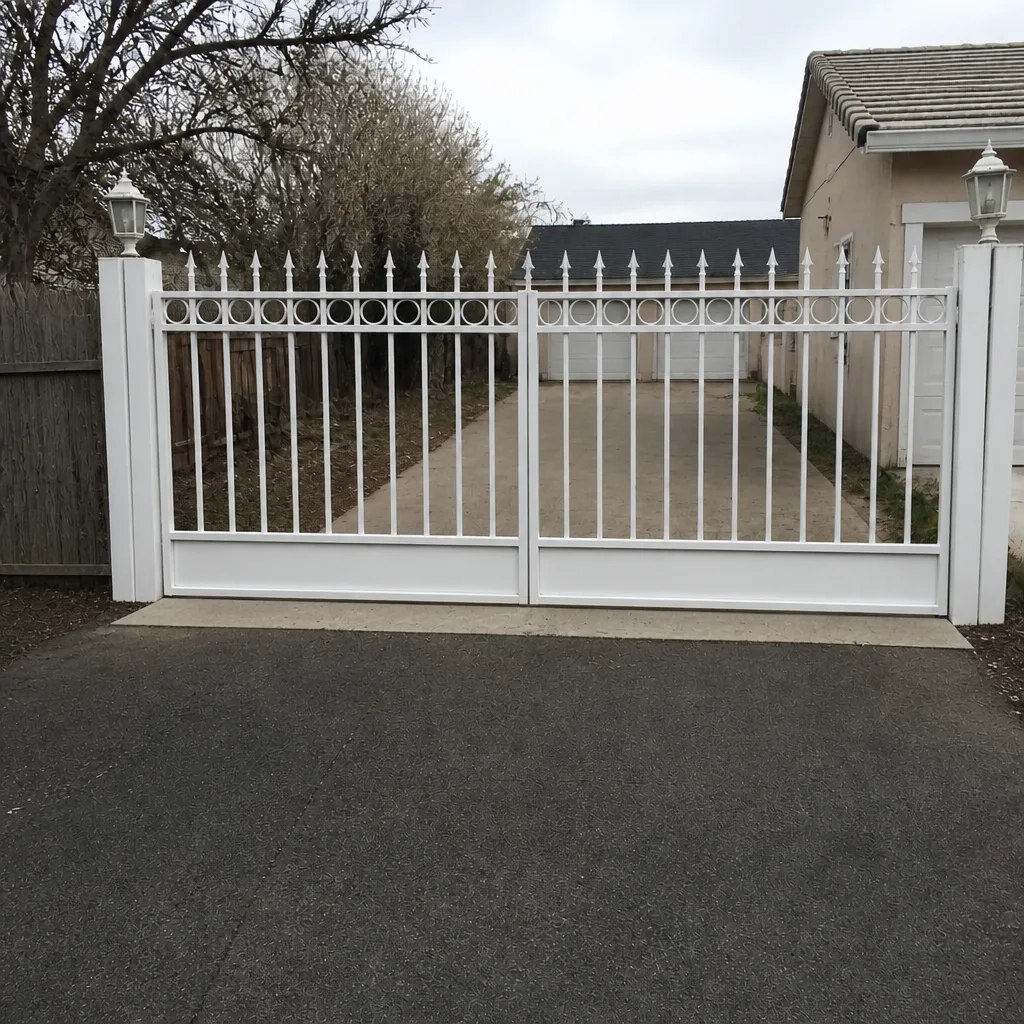 After
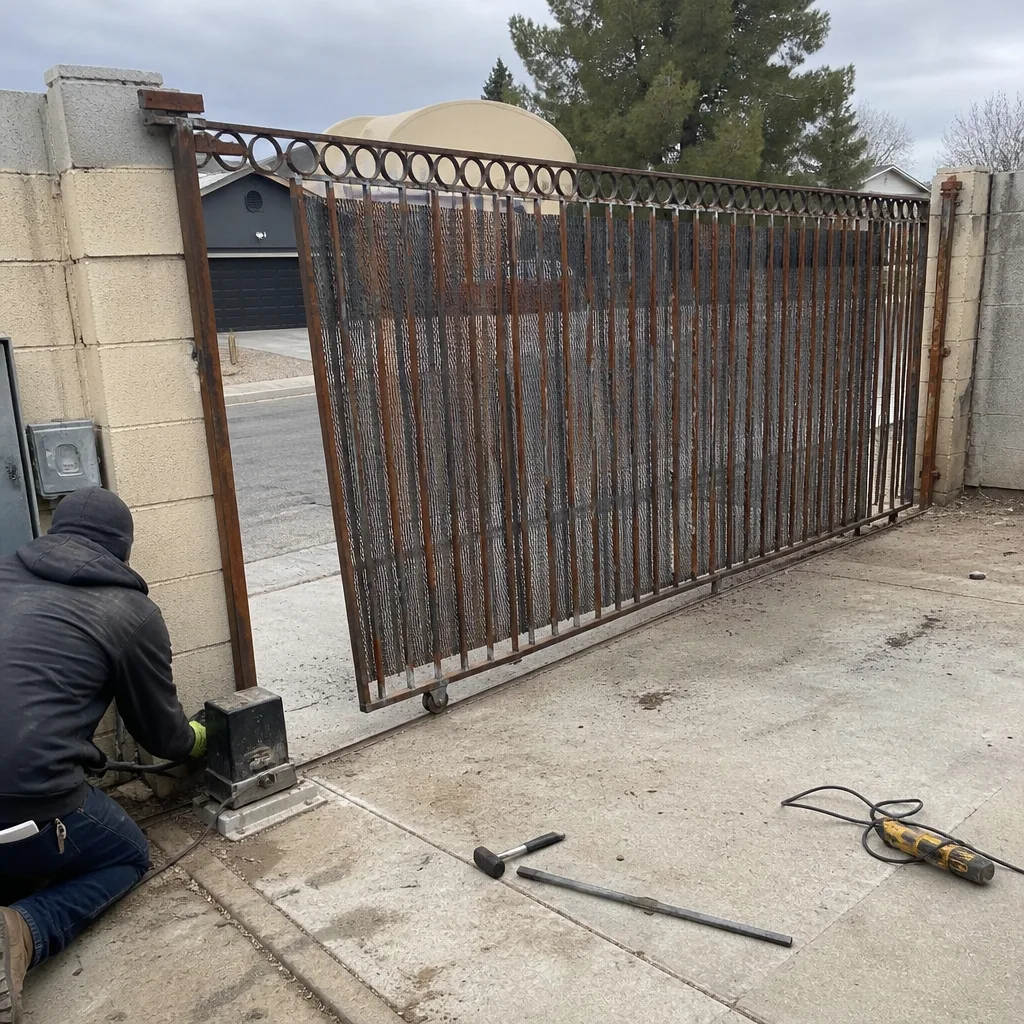 Before
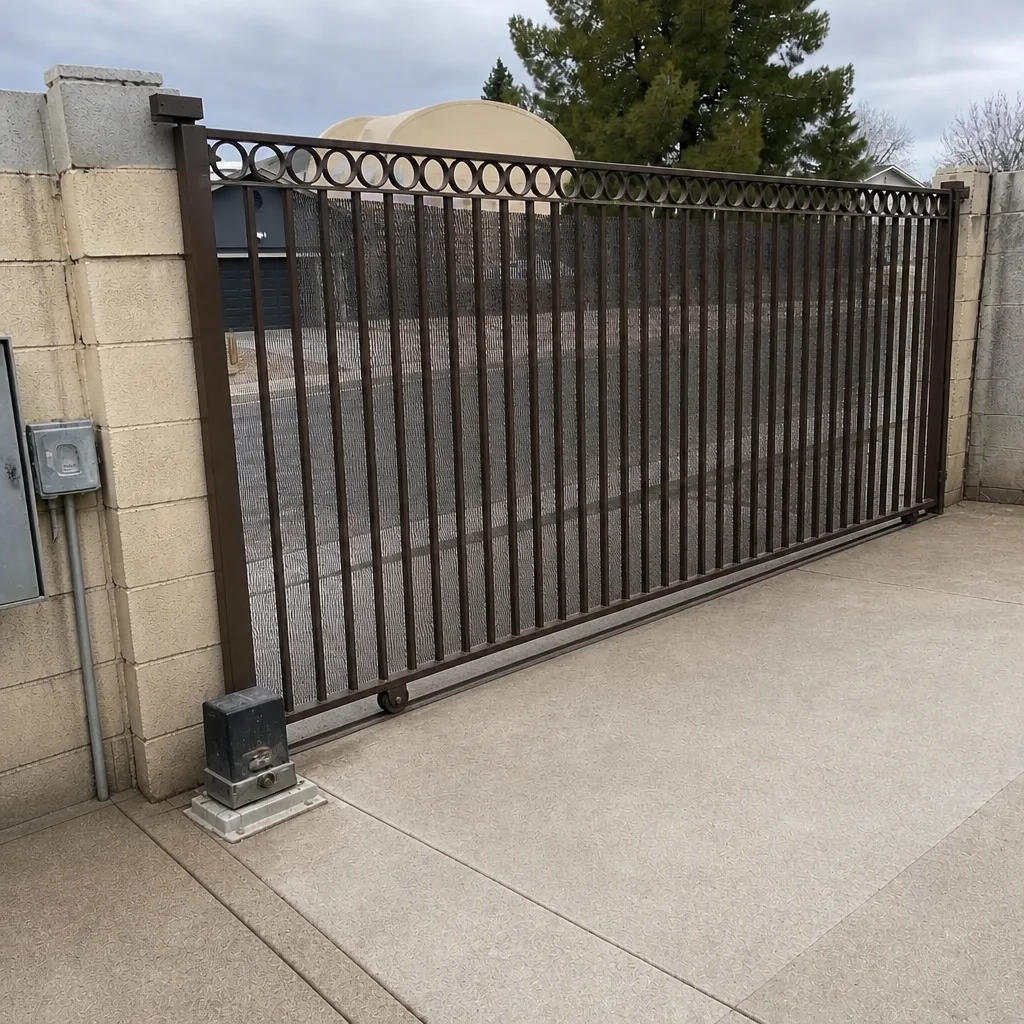 After
When to Call a Professional
Access control work is genuinely low-voltage electrical work, and the failure modes are worse than a gate that won’t open: faulty wiring can leave the gate in a state that opens on its own, battery backup kits installed incorrectly can drain or overheat, and mismatch between the access control module and the operator can burn out one or the other. If your gate is doing any of the following, it’s time for a technician: opening on its own, refusing accepted credentials, failing to hold position when the power drops, running the motor beyond the limit switches, or failing to release in a power outage. Call a professional rather than opening the control box yourself. Vance Gate Repair Whitney offers free estimates in Whitney – call (844) 797-4861, and a live person answers at any hour.
Frequently Asked Questions
Most residential gate access control additions in Whitney fall in the range of a few hundred dollars for a single locally-stored keypad or remote receiver, up to well into the low four figures for a full system with video intercom, cellular LTE module, and battery backup integration. The exact number depends on how many credentials the property needs, whether remote access is required, and whether cellular coverage supports the module carrier. Every quote we write is a flat written price handed over before any work begins, and estimates are free. Call (844) 797-4861 for an exact quote.
It depends entirely on where the credentials are stored. A locally-stored system continues to work with no internet at all – the gate still accepts codes and remotes because authentication happens on the property controller. A cloud-dependent system may lock out all users when the internet fails. Ask the installer, in writing, whether the gate will accept credentials with the internet offline; if the answer isn’t clean, you’re buying the wrong system.
Whichever carrier has reliable signal at the gate location – which is not always the same carrier that works inside the house, and it’s not always the same carrier from one part of Whitney to another. The spec to verify is not “does it support LTE?” but “which carrier is this specific module locked to.” Stand at the gate with your phone, note the carriers with bars, and demand in writing that the module matches.
Yes, if you can accept a locally-stored system with a physical remote or a local network connection. Cloud-dependent systems typically require a subscription for remote access because the manufacturer is paying for the authentication server. A locally-stored keypad plus a cellular module that doesn’t rely on a cloud account gives you remote access without a recurring cloud fee. Confirm the subscription question on the written quote.
An access log is a dated, timestamped record of every gate open event – who used which credential, and when. You don’t need one for security theatre, but you do want one if you have contractors visiting routinely, deliveries that need verifying, or any possibility of a dispute about access. The log answers questions that phone calls can’t. Confirm whether the log is stored locally (retrievable from the property) or in the cloud (dependent on a subscription).
Yes. We work on whatever automation brand is already on the property, including Ghost Controls, DoorKing, Elite, Mighty Mule, LiftMaster, FAAC, BFT, Linear, Viking, and DoorKing. We don’t steer customers toward replacement when a repair is the correct answer. If your current access control system needs service, our Gate Repair in Whitney team can inspect it, identify the fault, and write a flat price before lifting a tool. Call (844) 797-4861.
The Bottom Line
Access control for a Whitney property is a system design question, not a product decision. The three specs that matter most are where credentials are stored (locally, not in a cloud), how the system behaves when the internet or power fails, and which carrier the cellular module uses. Get those three answered in writing before signing anything, and add battery backup integration, the manual release, and a written record of the admin credential to the list. The gate you buy should keep opening on the day the manufacturer discontinues the product. That’s a design choice, and it’s yours to make. Call (844) 797-4861 for a free estimate from Vance Gate Repair Whitney. Every quote is a flat written price handed over before any work starts, and every job includes a documented photo record when the technician leaves.
Written by the team at Vance Gate Repair Whitney.